
REQUIRED TOOLS
- Screwdriver T10 Torx head
REQUIRED PARTS
BEFORE YOU START
 |
|
PROCEDURE
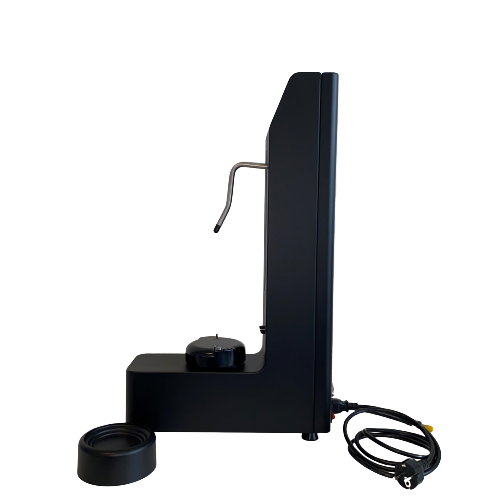
Unscrew the 2 screws of the pitcher holder base with a screwdriver T10 Torx head.
Remove the pitcher holder base.
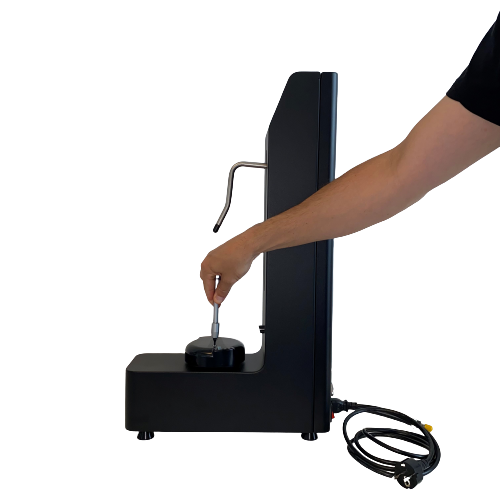 | 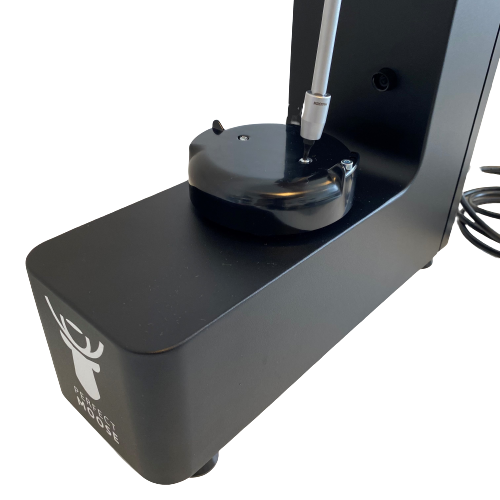 |
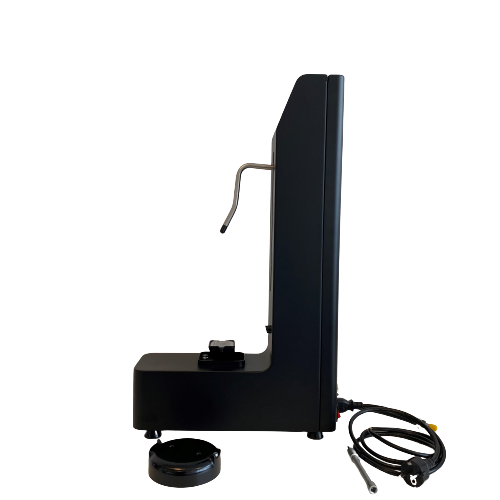
Remove the RFID cover from the RFID module.
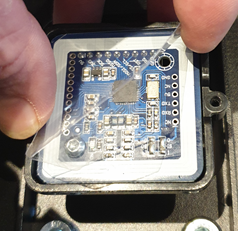
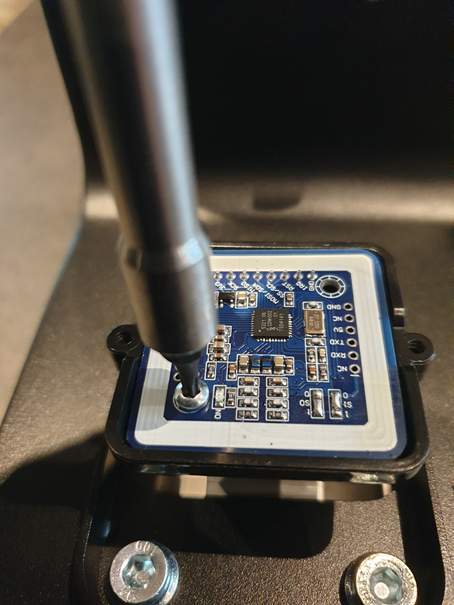
Unscrew the screw securing the RFID module with a torx screwdriver T10.
Remove the RFID module from the RFID holder.
 | |
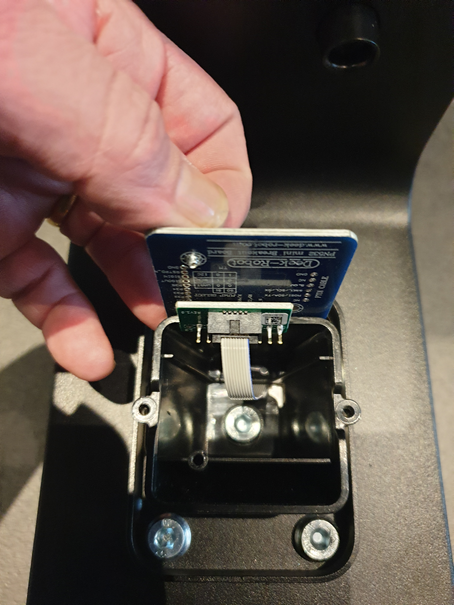 | 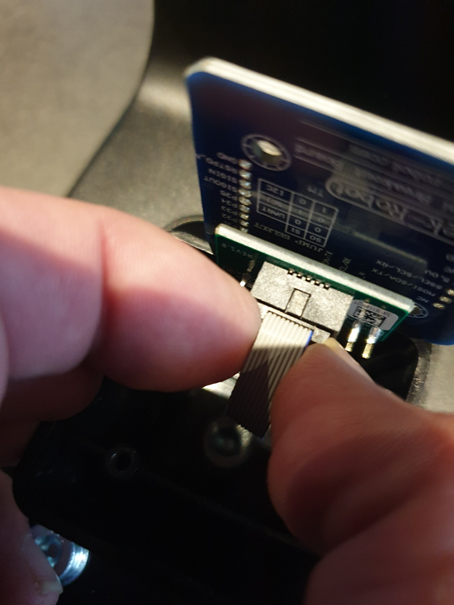 |
Disconnect the RFID cable from the RFID module by gently pulling the connector, not the wires.
Connect the RFID cable to the new RFID module.
Position the new RFID module in the RFID holder.
Secure the RFID module with the T10 screw.
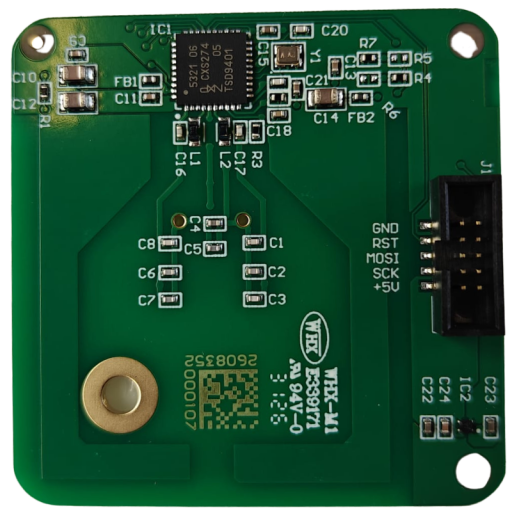
Place the RFID cover over the RFID module.
Reinstall the pitcher holder base and secure it with the 2 T10 screws.
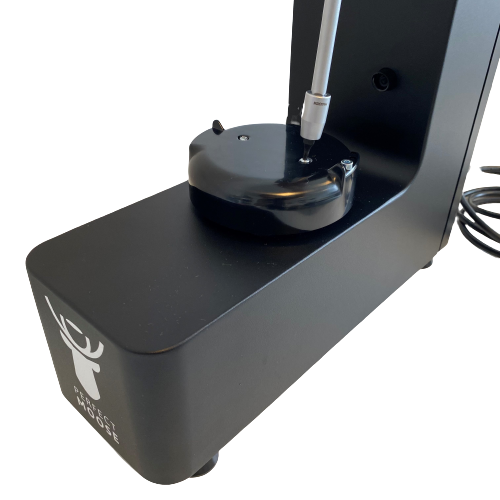
Reinstall the pitcher holder.
Reconnect the power cable and turn on the Perfect Moose.
Place a compatible Perfect Moose pitcher on the pitcher holder and verify that the RFID module detects the pitcher correctly.